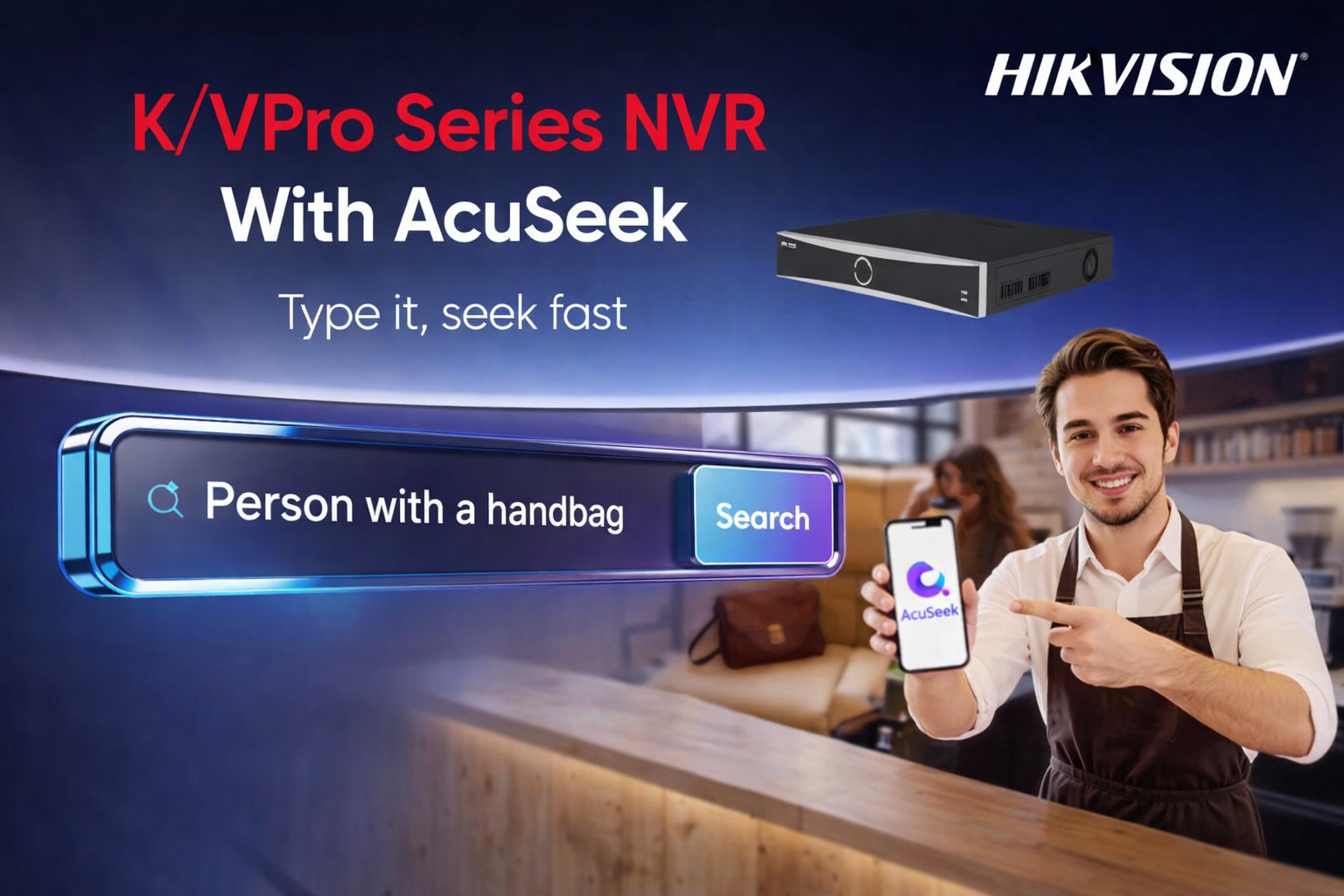
Losing valuable items such as wallets, keys, packages, or even pets can be a frustrating experience. But modern surveillance technology now makes it easier than ever to find lost items on security camera without spending hours scrubbing through irrelevant footage.
If you trying to locate a misplaced item, the ability to quickly retrieve specific moments from video recordings is a game-changer. This is where the Acuseek NVR steps in as a revolutionary solution designed to turn tedious video review into a fast, intelligent search process.
What Is Acuseek NVR?

Acuseek NVR (Network Video Recorder) is a next-generation recording device that combines traditional high-definition video storage with advanced AI-driven search capabilities.
Unlike standard NVRs that only record and play back footage, Acuseek NVR uses deep learning algorithms to detect, classify, and index objects such as people, vehicles, and personal belongings.
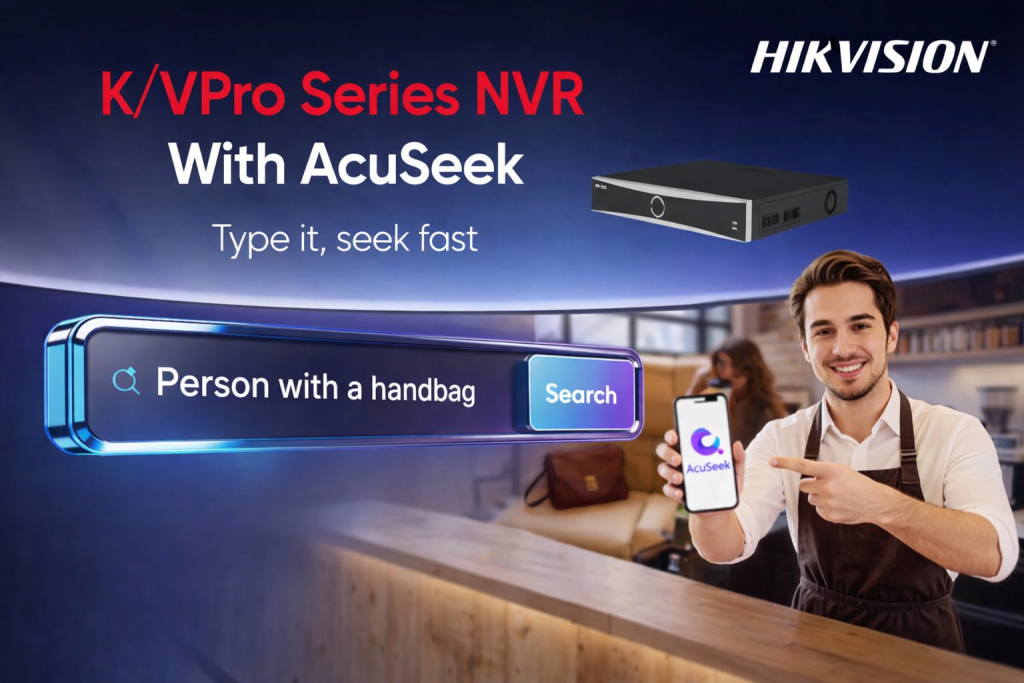
Instead of scrolling through hours of recordings, you can simply describe what you need in everyday words. It will then find all the video clips that match to your description just same as human-like understanding with the speed of a computer.
This contribute to:
1. Save Critical Time
Manually reviewing footage can take hours. With Acuseek NVR, results are delivered in seconds which will helping security teams respond faster to incidents.
2. Reduce Human Error
Manual searches are prone to mistakes and missed details. This AI-based search analyzes visual features consistently, reducing false matches as compared to search manually.
3. Handle Large-Scale CCTV Monitoring
As camera counts increase, this AI search becomes essential for managing and retrieving data efficiently from massive video archives.
How AcuSeek Speeds Up Footage Finding?
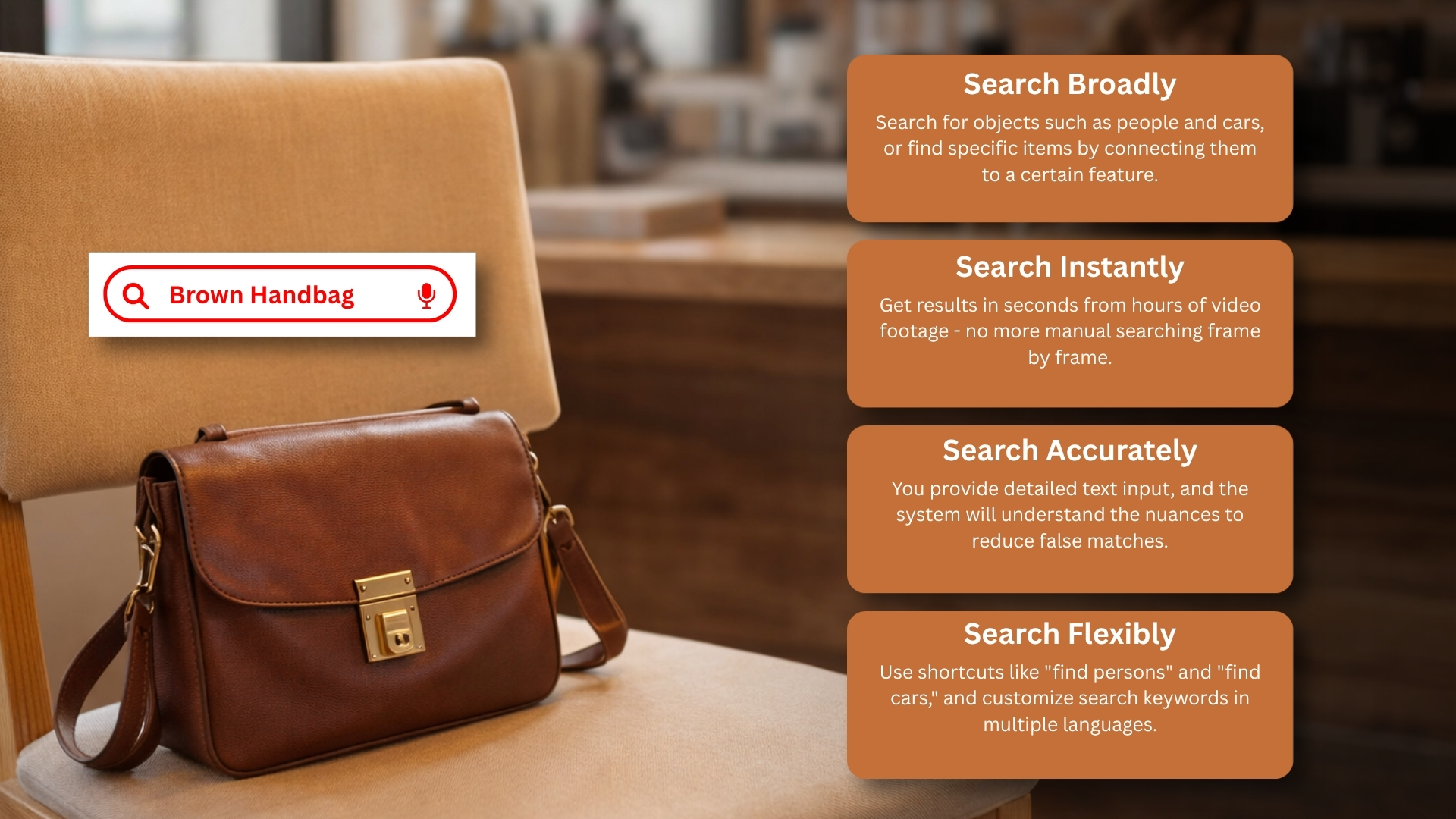
AcuSeek is designed around four powerful search advantages:
1. Search Broadly
AcuSeek NVR is built around four powerful search advantages, allowing users to conduct broad searches for people, vehicles, and objects related to them, with the added capability to effectively combine objects with specific features to narrow down and refine results.
2. Search Instantly
Instead of reviewing footage frame by frame, AcuSeek scans hours of recordings in seconds which effectively reducing investigation time.
3. Search Accurately
On the other hand, the system can deliver accurate results and minimize false matches by understanding the details of your query when you provide detailed text input. For instance, it is more efficient to search for “person with black backpack” rather than just “person.”
4. Search Flexibly
AcuSeek enhances accessibility across a wide range of users and environments by supporting convenient shortcuts like “find persons” or “find cars,” accommodating custom keywords, and accepting multiple language input through PC, mobile apps, or directly on the NVR interface.
Advantages Of Acuseek NVR
When you need to find lost items on security camera, Acuseek NVR offers several distinct advantages over conventional systems:
1. Smart Search By Object or Region
Instead of watching hours of footage, you can draw a bounding box around the area where the item was lost. The Acuseek NVR will instantly show only the clips where an object appears, disappears, or is moved within that zone.
2. High-Accuracy AI Detection
The built-in AI distinguishes between humans, vehicles, and other objects, filtering out false alarms like shadows or lighting changes. This precision is critical when searching for small lost items like keys or phones.
3. Instant Playback & Bookmarking
Once the system identifies a potential event, you can jump directly to that timestamp. You can also bookmark important moments for later reference or export short clips as evidence.
4. Compatibility with Existing Cameras
Acuseek NVR works with most IP cameras, meaning you can upgrade your search capability without replacing your entire security infrastructure.
5. User-Friendly Interface
The system features a simple dashboard accessible via monitor, web browser, or mobile app, making it easy for non-technical users to perform advanced searches.
Recommended Places To Use Acuseek NVR

While Acuseek NVR is useful for any security setup, the following locations will benefit the most from its ability to find lost items on security camera quickly:
1) Retail Stores & Shopping Malls
Customers often drop wallets, phones, or purchased goods. Staff can instantly review footage to reunite lost property with owners.
2) Hotels & Resorts
Guests frequently leave behind luggage, jewelry, or electronics in lobbies, elevators, or parking areas. Acuseek NVR minimizes search time and improves guest satisfaction.
3) Office Buildings
Important documents, laptops, or access badges can go missing in common areas. HR or security teams can locate them without disrupting daily operations.
4) Parking Garages
Car keys, tools, or packages are often misplaced near vehicles. The system’s region-based search helps pinpoint exactly when and where the item was last seen.
5) Warehouses & Factories
Workers may drop small tools or inventory items. Acuseek NVR helps recover lost assets before they cause delays or safety hazards.
6) Apartment Complexes
Residents losing parcels near mailrooms, gyms, or pools can rely on building management to search shared camera footage efficiently.
Conclusion
The ability to find lost items on security camera no longer requires endless manual video review or reliance on luck. With the Acuseek NVR, you gain a powerful AI-driven tool that transforms standard surveillance into an intelligent search engine for your property.
Acuseek NVR saves time, reduces frustration, and increases the chances of recovering lost belongings. Whether you manage a retail store, hotel, office, or apartment complex, investing in an Acuseek NVR means turning every security camera into a reliable assistant for finding what matters most.
Upgrade your property monitoring today with AcuSeek NVR for peace of mind and total security from threats!
Contact us today to learn more about Acuseek NVR and how we can support your enquiries.
Frequently Asked Questions (FAQ)
1. How exactly does AcuSeek NVR help me find a lost item on camera?
AcuSeek NVR uses a Large Multimodal Model – a form of advanced AI that understands both images and natural language. AcuSeek lets you type a simple description of the lost item or the person carrying it.
For example, you can search for: “person with a red backpack,” “child carrying a blue suitcase,” or simply “black handbag.” The system analyzes recorded video, matches your text description to visual content, and returns relevant clips in seconds.
2. How long does it take to search for a lost item? Is it really faster?
Yes, dramatically faster. Industry tests and manufacturer claims indicate that AcuSeek can reduce a video search that normally takes 45 minutes to under 10 seconds. A search that might have taken hours of manually reviewing footage can be completed in seconds by simply typing a few words.
3. Do I need special technical skills to use AcuSeek for lost item searches?
No. One of the main advantages of AcuSeek is anyone who can describe an object in plain language can use it. The user interface includes convenient shortcut buttons like “Find People,” “Find Vehicles,” and “Find Pets,” but you can also type any custom description.
4. What’s the difference between “AcuSeek” and “AcuSearch”? Which one finds lost items?
Both work together, but they serve different purposes:
- AcuSeek is the broad, AI-powered text search engine. You type a description (e.g., “person with a black backpack”), and AcuSeek instantly finds all video clips matching that description across your system.
- AcuSearch is the high-precision target identification engine. Once AcuSeek finds the person or object, you can use AcuSearch to generate a timeline of that specific item’s appearances across all scenes and cameras.
5. What are some real-world examples of finding lost items with AcuSeek?
Based on manufacturer and distributor applications, common lost item scenarios include:
- Shopping Centres: Finding a lost child by searching for *”child with a red backpack”.
- Supermarkets: Helping a customer locate a forgotten handbag by searching for “person with black handbag” at the checkout area.
- Hotels & Train Stations: Locating a lost suitcase by searching for *”person dragging a blue suitcase”.
- Community Services: Helping residents locate lost pets or missing packages.